Camera counting
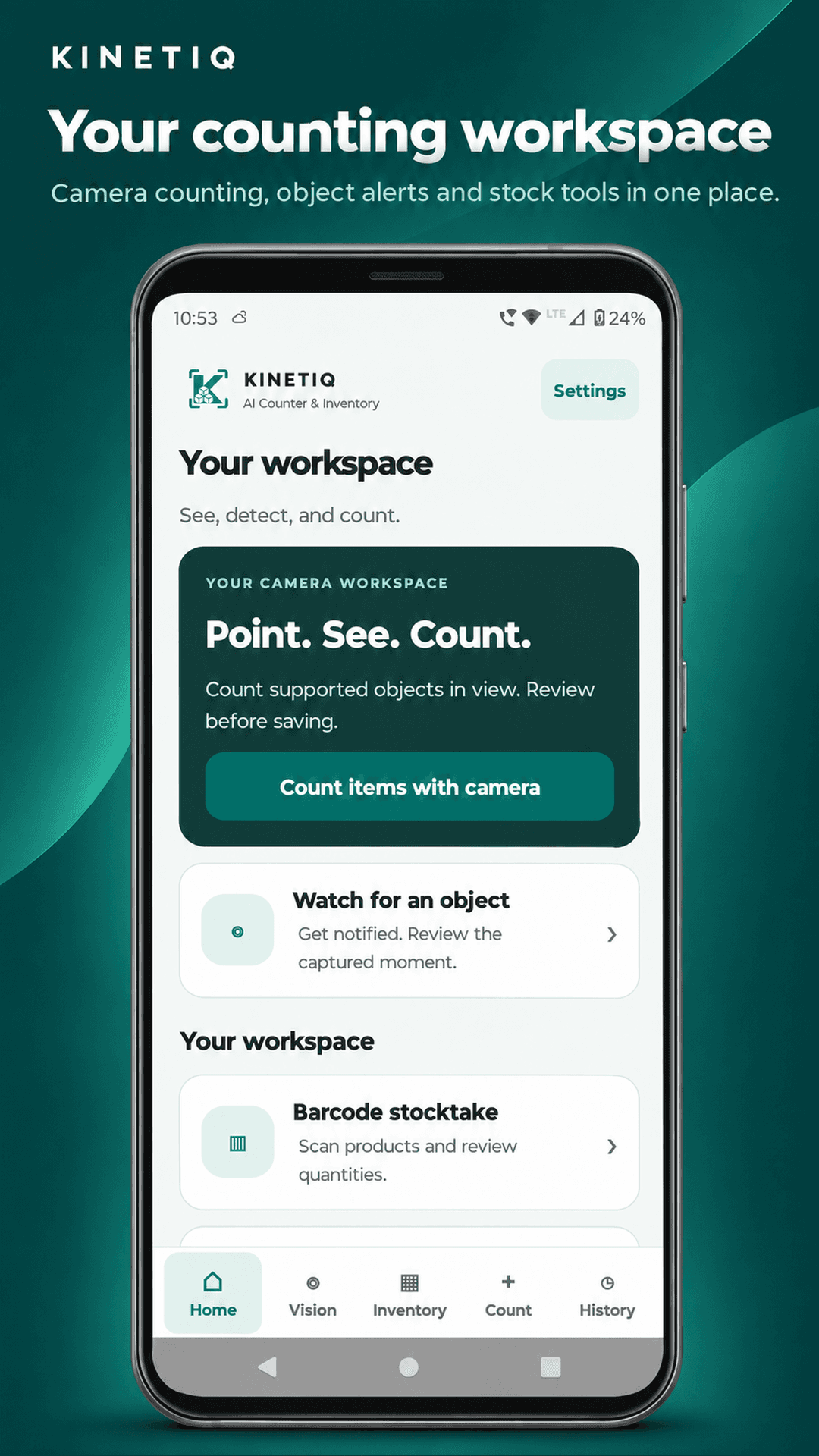
Count supported objects visible right now. Review a captured frame, correct labels and quantities, and link the result to products.
Computer vision for everyday work
Meet Kinetiq AI Counter & Inventory. Count supported objects, scan product barcodes, and turn verified quantities into organized stock records on your phone.
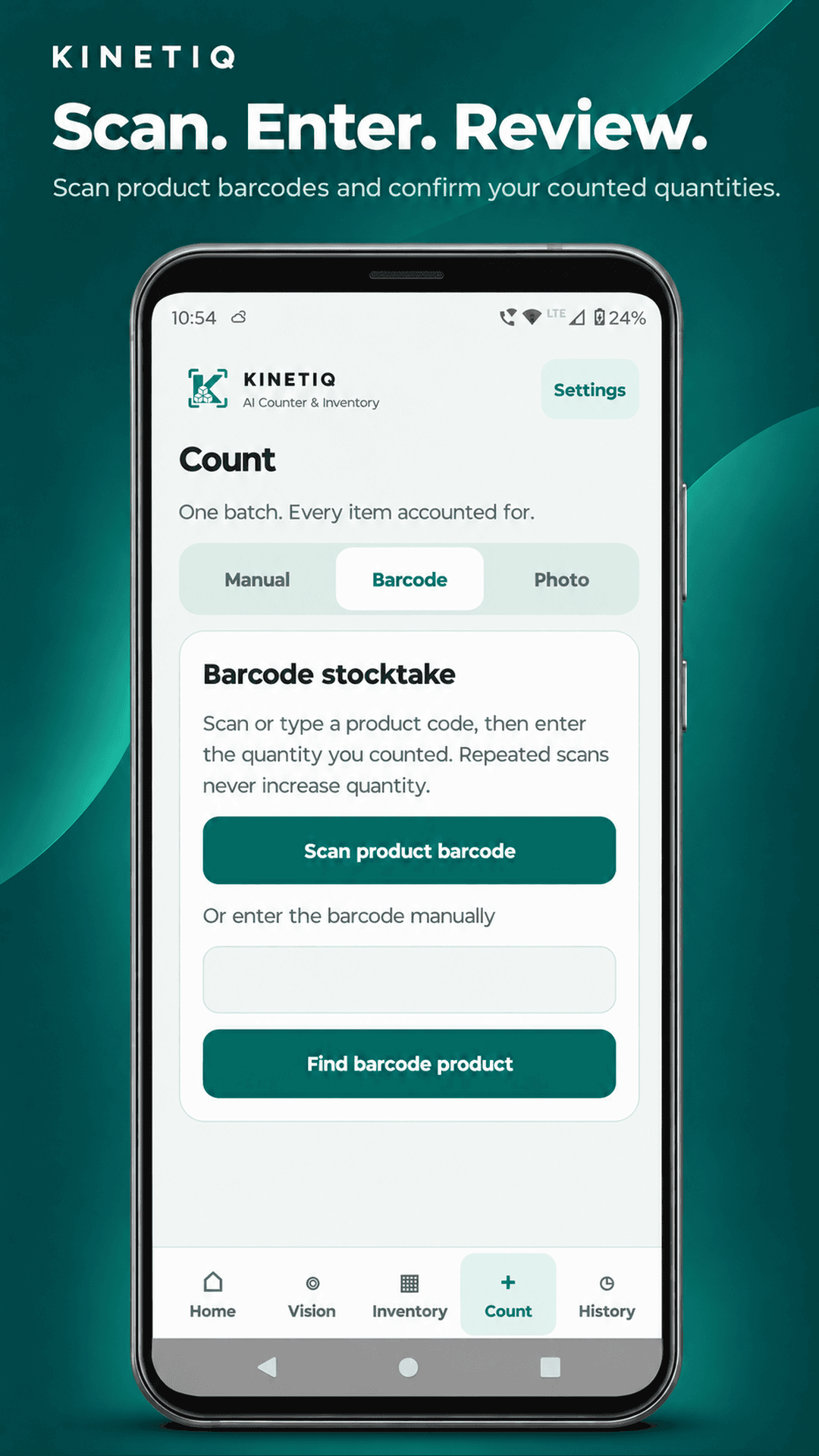
Kinetiq Counter is an Android inventory app for counting items and checking stock on your phone. Scan a product barcode to find it in your local catalog, enter the quantity you counted, and review the result before replacing a stock balance. You can also record stock received, dispatched, or adjusted and review those movements in History.
Use the camera to count supported objects in view or use the manual tally for items you count by hand. Review camera results, correct quantities, and link them to products before saving. The core stocktaking tools work offline.
One connected workflow
Choose the right tool for the job, check the result, then decide what to save.
Count supported objects visible right now. Review a captured frame, correct labels and quantities, and link the result to products.
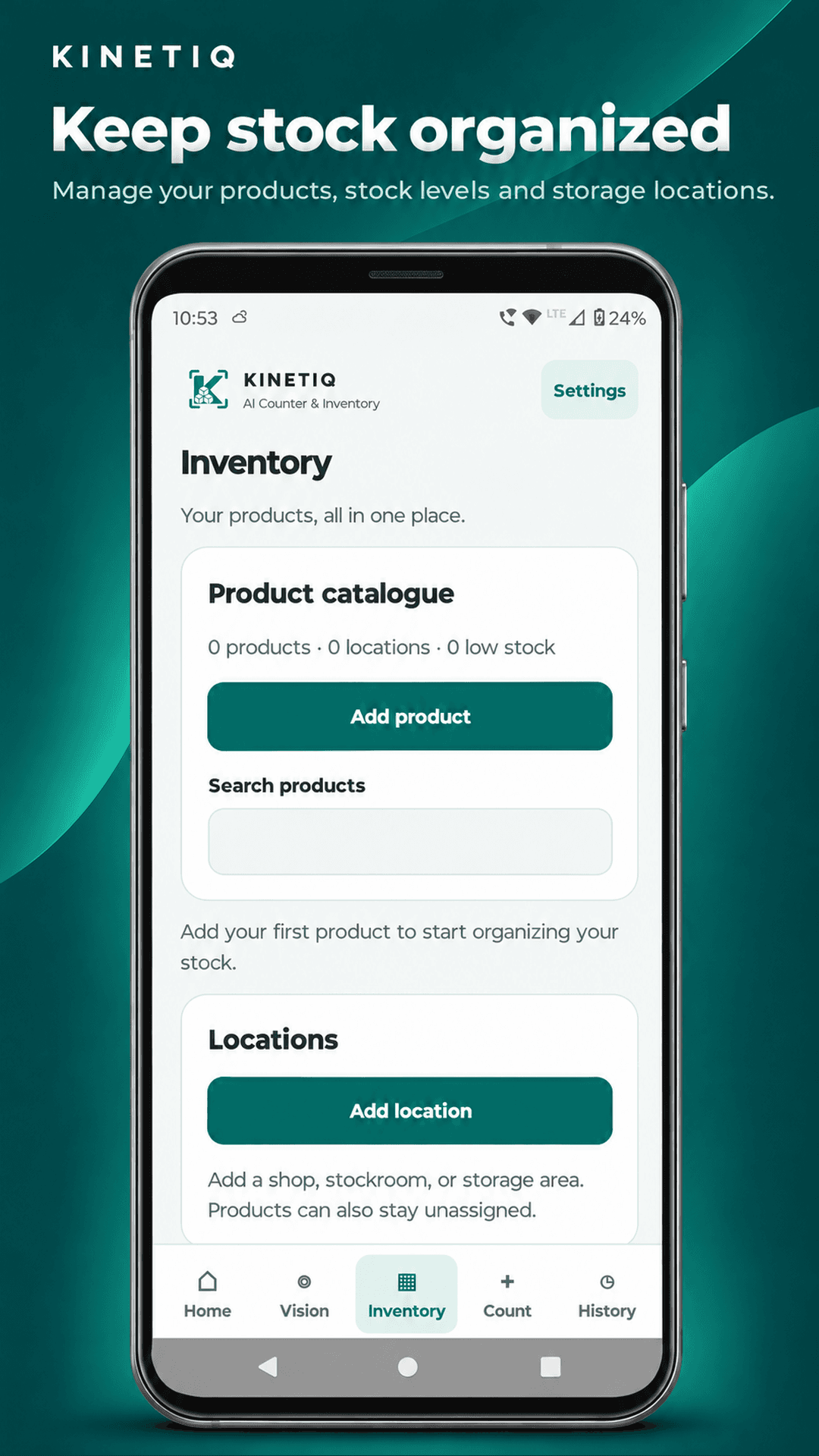
Create products with units, optional barcodes and default locations. Receive, dispatch or adjust stock after reviewing the change.
Find a product in your local catalogue, enter the quantity you counted, and save a record or confirm a replacement balance.
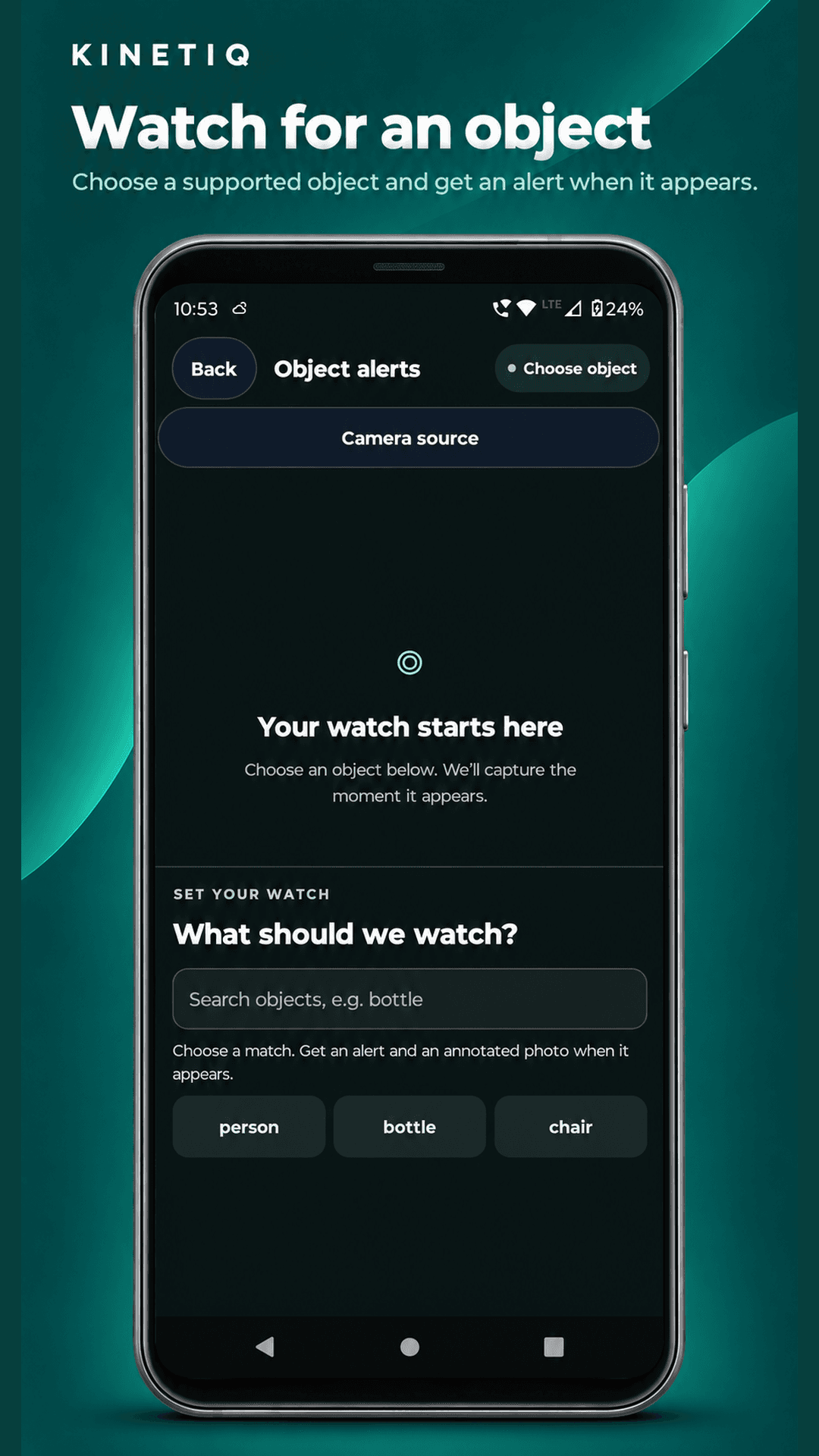
Watch for a supported object while the alert camera is open. Revisit saved alert photos in History. Monitoring pauses outside the app.
Enter a whole quantity or tally a batch with plus and minus controls. Save the observation before deciding whether to change stock.
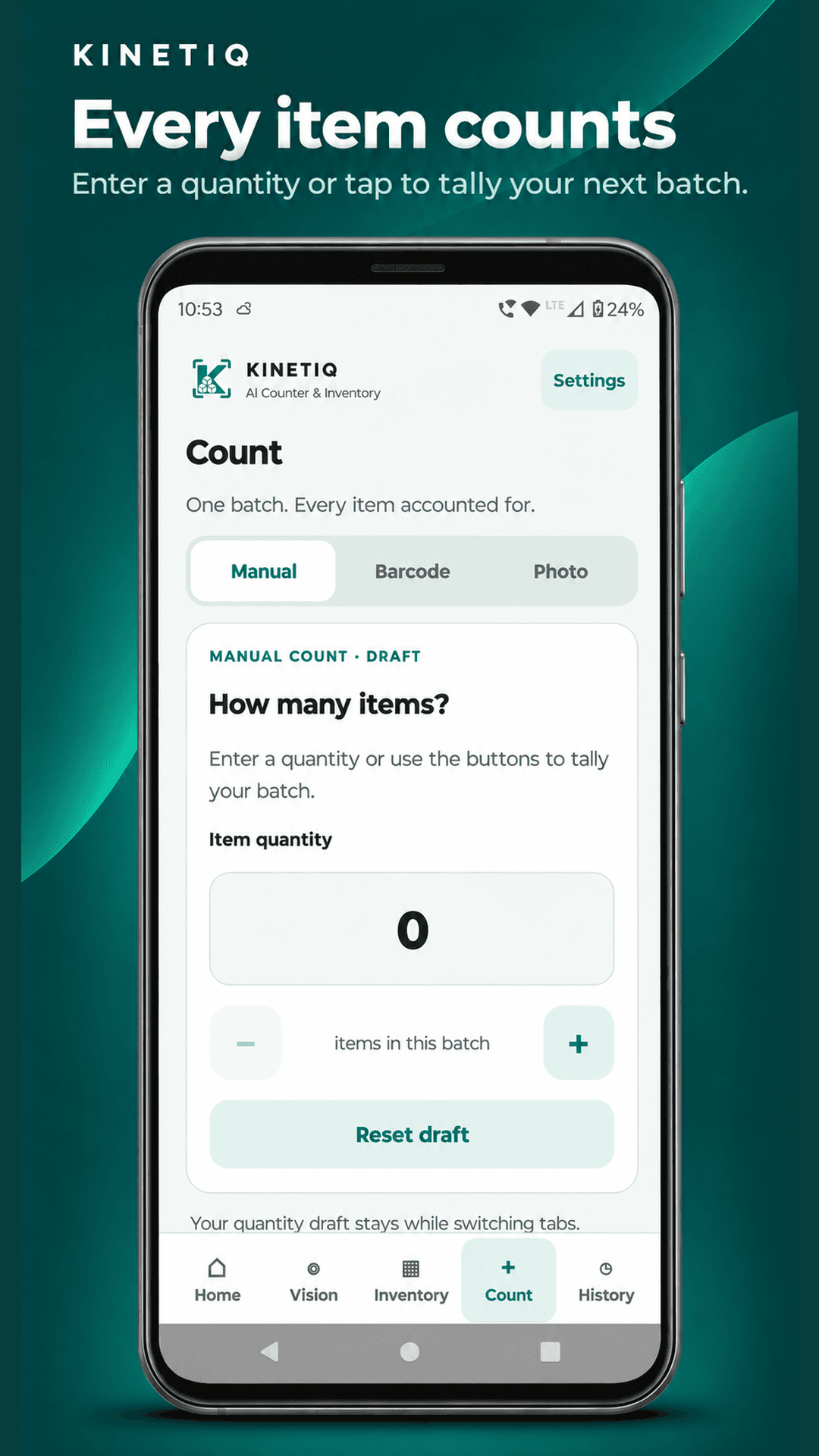
Review saved counts, stock movements and alert photos. Product activity helps you follow how a balance changed.
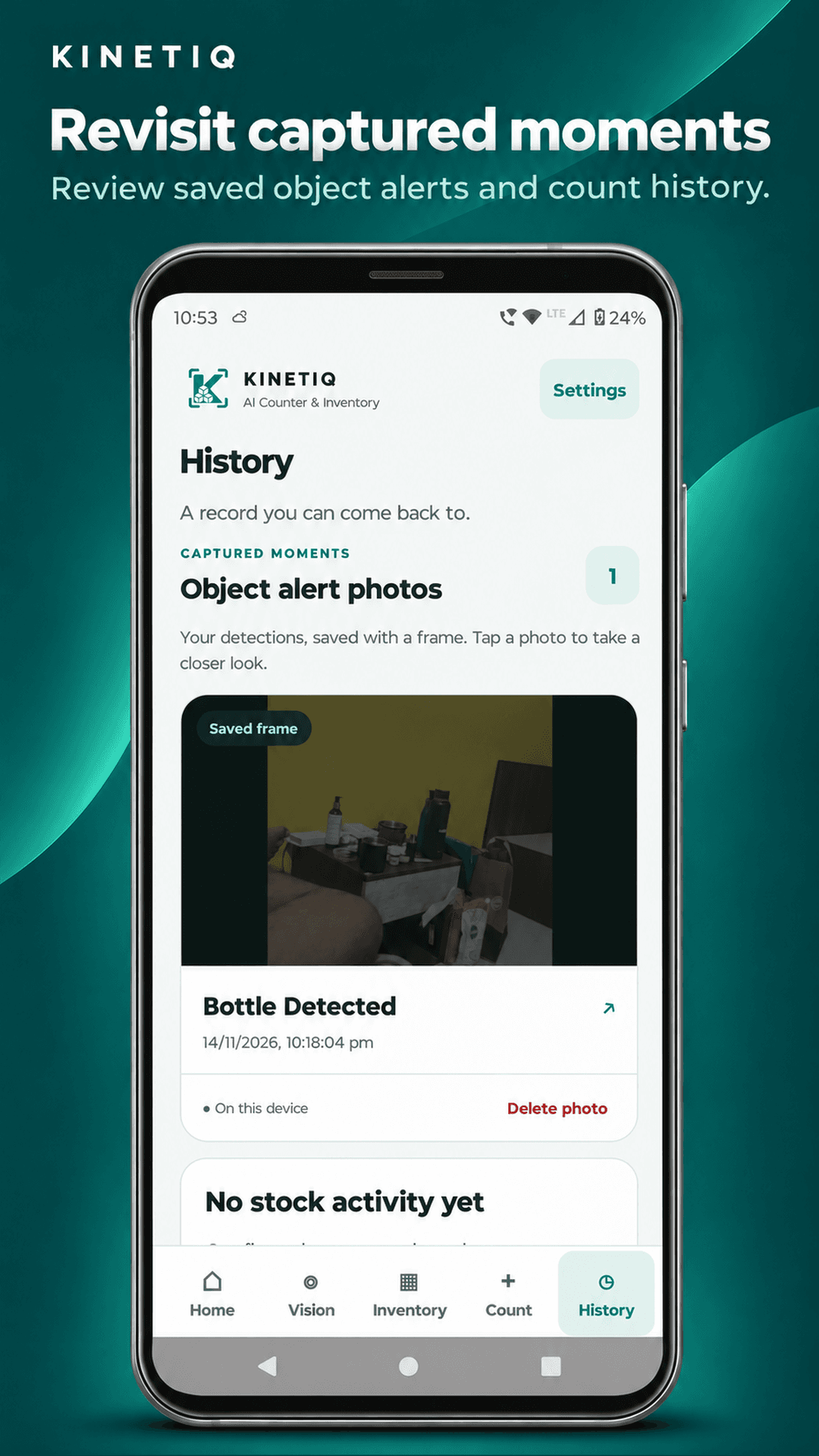
Built around review
Point the camera at supported objects, identify a product barcode, or enter a manual count.
Check the whole quantity. Correct detections and link items to the right catalogue products.
Keep a record without changing stock, or explicitly confirm the inventory update.
Local by design
Inventory records and preferences are stored locally. Core camera, manual and inventory workflows work offline. Records do not automatically sync between devices; clearing app storage or uninstalling can remove them.
We do not collect your camera images, photos, inventory records or other counting data. Only analytics and advertising-related data are shared with Google for analytics and advertising.